Phone Cleaner app icon: a blue brush with golden bristles and a shield, a red 2026 ribbon, on a deep blue square
Android app · App detailscom.clearner.mobilecleaner.filemanager.cloud.savevideo.file.photo

Phone Cleaner:
Junk & Photos

Scan for junk, large files and duplicate photos, move them to a 7-day Recycle Bin, and manage apps, files and a private vault — in 9 languages.

Version1.0.0 (1)
Runs onAndroid 7.0+
Languages9
Tools18
DeveloperCell Cave

Clean

  • Junk clean (quick and deep)
  • Large files, duplicate photos, screenshots
  • Recycle Bin with 7-day restore

Speed up

  • Phone boost, CPU cooler, battery saver
  • Live system monitor
  • AI analyzer and storage assistant

Protect

  • Private vault with PIN and biometrics
  • Permission-risk audit, clipboard cleaner
  • Notification cleaner (opt-in)

Manage

  • File manager and app manager
  • Image compressor
  • Scheduled auto-clean
Spec

Spec

Read from the submitted APK.

Identity
Name
Phone Cleaner: Junk & Photos
Package
com.clearner.mobilecleaner.filemanager.cloud.savevideo.file.photo
Developer
Cell Cave
Version
1.0.0 (versionCode 1)
Play listing
suspended on Google Play, 7 Oct 2026
Platform
Runs on
Android 7.0 and later
UI
Jetpack Compose, Material 3, single Activity
ABIs
arm64-v8a, armeabi-v7a, x86, x86_64
Tools in the app
18
Languages (706 strings each, 0 missing)
Englishहिन्दीالعربية · RTLاردو · RTLTürkçeDeutschPortuguês (BR)中文Français

Every user-visible string is translated in all nine locales, with no missing entries and no hardcoded text.

Screens

Screenshots

Captured from the app on 17 Sep 2026. Captions say what each screen shows.

First run

fresh install
Splash · readyGet Started appears once the app has finished starting
HomeReal storage figures from the device: 5.0 GB used of 27.5 GB

Cleaning and the Recycle Bin

junk, large files and the 7-day Recycle Bin
Junk Clean · result16.9 MB moved to the Recycle Bin, and the result states the same amount
Large Files · deleted60 MB file moved to the Recycle Bin
Recycle BinRestored with an identical SHA-256
Recycle Bin · listEach item can be restored or deleted for good

Tools

every tool opened; 0 crashes
All tools18 tools in the grid
AI Analyzer121.5 MB reclaimable, Smart Clean 53.8 MB
AI AssistantOn-device storage assistant
App Manager12 apps with sizes; unused filter
Phone BoostThe screen states that Android reclaims memory itself
CPU CoolerReal temperature and CPU facts
Battery SaverLive battery status
System MonitorRAM 1.2 of 5.8 GB, storage 5.0 of 27.5 GB
StorageCategory breakdown from MediaStore
File ManagerInternal storage browser
Media ToolsImage compressor with four levels
NotificationsOpt-in notification cleaner
Privacy & SecurityPermission audit and clipboard cleaner
AutomationScheduled auto-clean
Private VaultA photo hidden and restored
Graphics

Graphics

The store assets for the listing we will apply on reinstatement: the app icon, the feature graphic and the five screenshots. Every screenshot is a capture of a screen in the app, and the figures on them are figures the app produces.

App icon
App icon: a blue brush with golden bristles and a shield badge on a deep blue background

512×512 PNG · used on the store listing, in the launcher and as this site's favicon.
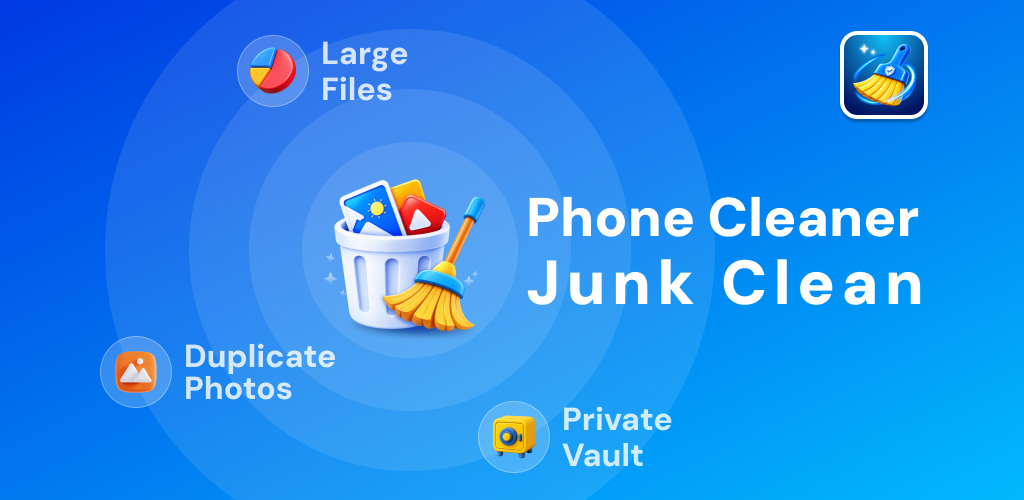
Feature graphic
Feature graphic reading Phone Cleaner Junk Clean, with Large Files, Duplicate Photos and Private Vault callouts

1024×500 · three feature callouts, all three shipped in the app: Large Files, Duplicate Photos and the Private Vault.

Store screenshots · 5
1 · Phone Storage CleanerStorage ring at the device's real 18% used, 5.0 GB of 27.5 GB, with the largest files below.
2 · Delete Duplicate ItemsGrouped identical copies, one kept per set, with the running total on the delete button.
3 · Remove Junk With AIThe AI Assistant result screen, reporting the amount cleaned and the file count.
4 · App ManagerInstalled apps with their sizes, multi-select and uninstall. App names are placeholders so that no other company's brand or icon appears in our listing.
5 · Helpful ToolsThe All Tools grid, tile for tile and subtitle for subtitle as it appears in the app.